Technical · 5 min read
How to Connect Multiple Gmail Accounts to Claude (2026 Guide)
November 10, 2026
A 60-second tour of connecting multiple Gmail accounts to Claude.
Claude’s Gmail connector is genuinely useful, with one catch: it signs in to a single Google account. If you run your day across several inboxes, a personal Gmail, a business address, a project account, you hit a wall fast. Below is the whole method for connecting multiple Gmail accounts to Claude, laid out plainly so you can build it yourself, plus the option to have us do it for you if you would rather not run a server. No gatekeeping either way.
Why Claude only connects one Gmail at a time
A connector authenticates to one Google account. The sign-in binds to a single mailbox, so one Gmail connector means one inbox. Add a second Gmail and most setups simply replace the first. That is the whole problem in a sentence, and it is why switching back and forth gets old quickly.
Three ways to use more than one Gmail with Claude
1. Reconnect and switch the account (free, but slow)
Disconnect the Gmail connector and reconnect with a different Google account whenever you need the other inbox. It works and costs nothing, but you can only use one inbox at a time and you reconnect on every switch. Fine in a pinch, painful as a routine.
2. Gmail multi-login in your browser
Gmail lets you stay signed in to several accounts at once. Paired with a browser assistant, Claude can read and act inside whichever inbox is open, with nothing new to pay for. A solid option for reading, but it leans on your browser being open and does not give Claude a clean, labelled list of your inboxes.
3. A custom multi-account connector (the real fix, and you can build it)
The proper solution is a single connector that holds all of your Gmail accounts and exposes each one to Claude by name. One connection, every inbox, on web, phone and desktop. It runs on your own server with your own credentials, so nothing is handed to a third party, and access is locked to just your accounts. Here is exactly how it is done.
Build it yourself, step by step
This is the full procedure. It is technical, but nothing about it is secret. If you are comfortable running a small service on a server you control, you can stand this up yourself.
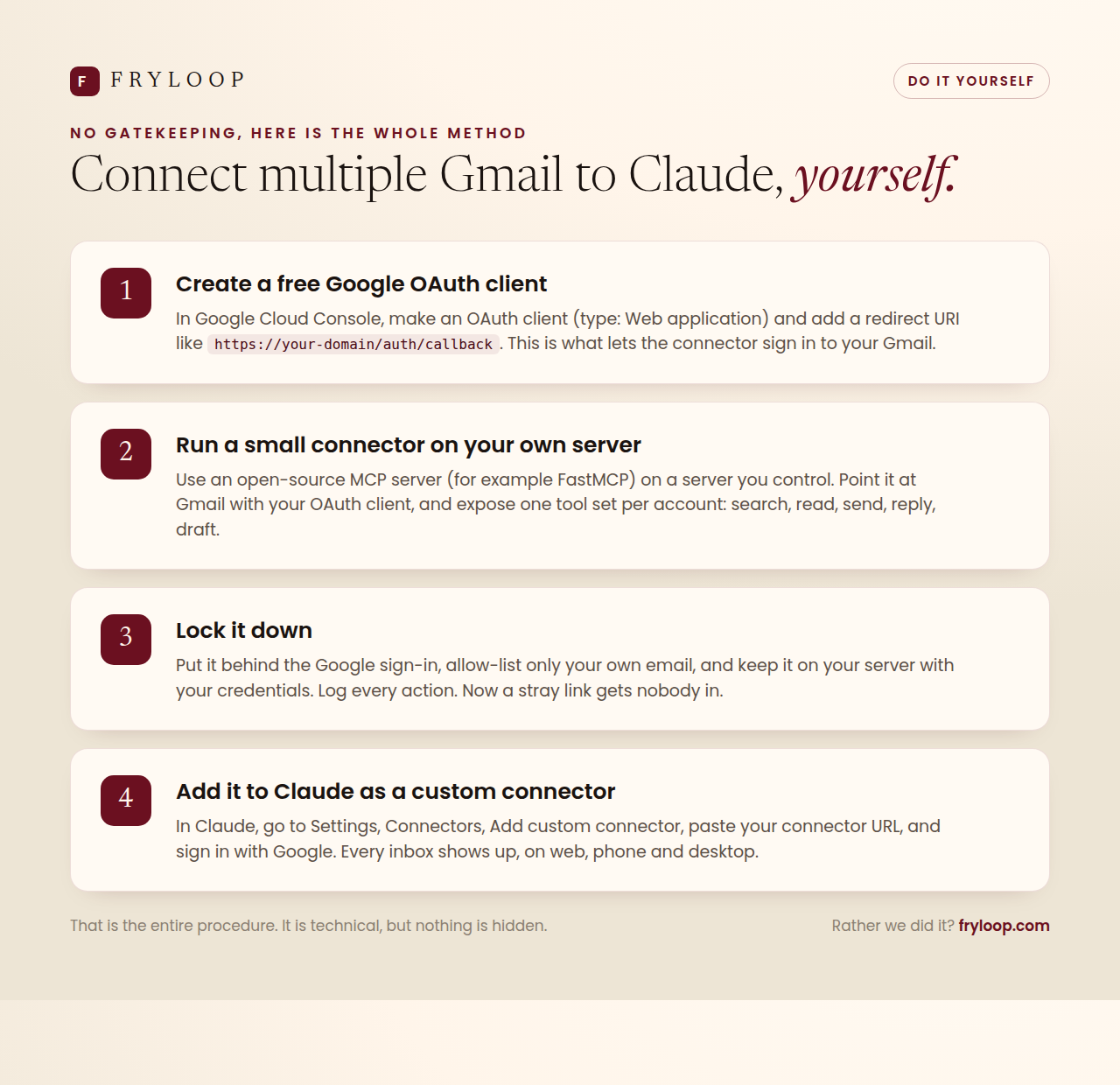
- Create a free Google OAuth client. In Google Cloud Console, create an OAuth client of type Web application and add a redirect URI such as
https://your-domain/auth/callback. This is what allows the connector to sign in to your Gmail accounts. - Run a small connector on your own server. Use an open-source MCP server such as FastMCP on a server you control. Point it at Gmail with your OAuth client and expose one set of tools per account: search, read, send, reply and draft.
- Lock it down. Put it behind the Google sign-in, allow-list only your own email addresses, keep it on your own server with your own credentials, and write every action to a log. A stray link then gets nobody in.
- Add it to Claude as a custom connector. In Claude, open Settings, then Connectors, choose Add custom connector, paste your connector URL and sign in with Google. Every inbox appears, on web, phone and desktop.
That is the entire method. A custom connector needs a paid Claude plan (Pro, Max, Team or Enterprise), and the one manual step Google requires is adding that redirect URI to your OAuth client.
What a multi-account connector gives you
- Every inbox, labelled, so Claude always knows which account a request is about.
- Search and read any inbox with normal Gmail search, including unread counts.
- Send and reply in-thread from the right address.
- Create and manage drafts, so “draft this in my business inbox” saves without sending.
- Forward, label and tidy across all accounts from one place.
Is it safe?
It can be very safe when it is built properly. The connection sits behind a Google sign-in, so visiting the link gets nobody in; they would need to log in as you. Access is allow-listed to your own accounts, so no stranger and no unrelated mailbox can connect. It runs on your own server with your own credentials, not a third-party service that reads your mail. And every action is written to an audit log you can review. Get those four things right and a multi-inbox connector is as safe as the single-account one, with far more reach.
No gatekeeping
You just saw the whole method. Build it, or we will.
Everything above is the real procedure, free to follow. If you would rather not run a server, Fryloop will set up a private, secure multi-inbox connector on your own infrastructure, locked to your accounts, with read, send and draft across every mailbox. Either way, you own it and your data stays yours.
$100 one-time setup, only if you want it
See the done-for-you optionFrequently asked questions
Can I build this myself?
Can Claude read and send from more than one Gmail account?
Does a multi-inbox connector work on phone and desktop?
Is my email data handed to another company?
What does the done-for-you setup cost?
Google, Gmail and Claude are trademarks of their respective owners and are referenced here only to describe how the tools work together.
Ready to talk?
Looking for a white label web partner you can actually rely on?